

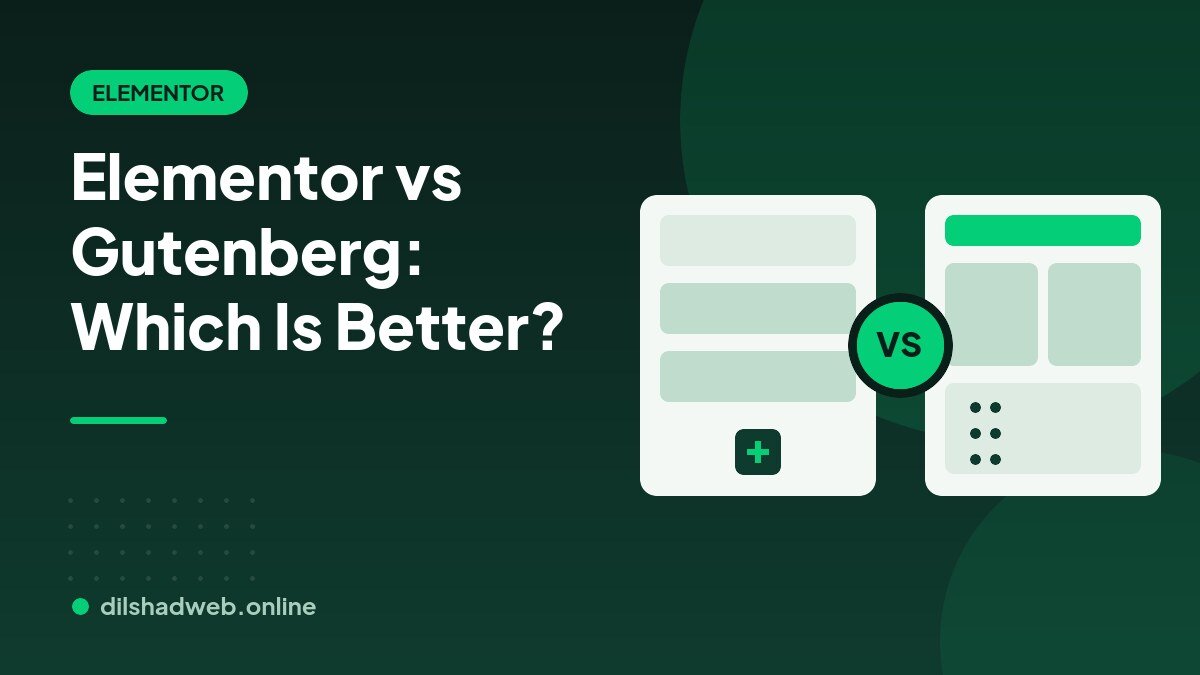
Both Elementor and the built-in WordPress block editor (Gutenberg) can build a professional website. The right choice depends on your design needs, budget, performance goals and how you plan to maintain the site. Here is a fair comparison.
What is Gutenberg?
Gutenberg is the default WordPress editor. You build pages with blocks for paragraphs, images, columns, buttons and more. Modern block themes also let you edit headers, footers and templates through the Site Editor, all without installing a page builder.
What is Elementor?
Elementor is a popular visual page builder plugin. You drag widgets onto a canvas and style them live, with detailed controls for spacing, typography, backgrounds, animations and responsive behavior.
Design freedom
Elementor gives more visual control out of the box, which is why designers like it for landing pages and custom layouts. Gutenberg has improved quickly and handles many layouts well, but complex designs usually take more effort.
Ease of use
Elementor feels intuitive to many beginners because you see changes as you make them. Gutenberg is simpler and closer to writing a document, which suits blogs and content-heavy sites.
Performance
Gutenberg generally outputs lighter code because it is part of WordPress core. Elementor adds its own scripts and styles, so performance depends on how carefully the site is built, optimized and cached. A well-optimized Elementor site can still score well in Core Web Vitals.
Cost
Gutenberg is free. Elementor has a free version, while features such as the theme builder, advanced widgets and popups require a paid Pro license renewed yearly.
Long-term flexibility
Content created with a page builder is tied to that builder. If you deactivate Elementor later, layouts will need rebuilding. Gutenberg content stays usable in WordPress without extra plugins.
Which should you choose?
- Choose Elementor for custom marketing pages, business and portfolio sites, and when you want pixel-level design control and an easy visual editor.
- Choose Gutenberg for blogs, documentation and content-first sites where speed and simplicity matter most.
- Combine both when it makes sense: for example, Elementor for landing pages and Gutenberg for blog posts.
Conclusion
Neither tool is simply better. Match the tool to your goals, then optimize it properly. If you want a custom design, see our Elementor website design service, and read how to speed up a WordPress website whichever builder you pick.
Need help with your WordPress website?
DilshadWeb builds fast, secure and SEO-friendly WordPress websites with Elementor and WooCommerce. Browse our WordPress development services or contact us to discuss your project.
Related reading
- Figma to WordPress: How to Convert a Design into an Elementor Website
- How to Make a Header in WordPress: Step-by-Step Guide
- How to Speed Up a WordPress Website: 12 Practical Steps
Need help? See my WordPress development services.